Pick stones with clear visual identities
Amethyst, clear quartz, rose quartz, and tiger's eye tend to be easier first picks because their broad look is more familiar.
Start with stones that have familiar color cues, fewer obvious lookalikes, and a lower chance of leaving you second-guessing your first purchase.
Stone ID is the name here. Rock Identifier: Gem & Crystal is the exact iPhone app name in the App Store.
When this helps
A good first crystal should feel easy to compare, not intimidating to research.
App Store note
On iPhone, the app listing appears as Rock Identifier: Gem & Crystal.
Quick answer
Good beginner crystals are easy to recognize, easy to compare, and common enough that you can find clear reference photos. Amethyst, clear quartz, rose quartz, and a few other familiar stones are usually better starting points than rare or heavily treated pieces.
Keep these in mind
Choose stones with stable, familiar color cues.
Start with pieces that do not depend on subtle expert-only details.
Use comparisons to build confidence before you branch out.
Where to start
The goal is not to collect the rarest stone first. It is to build a small set of references that teaches your eye how different stones really look.
Amethyst, clear quartz, rose quartz, and tiger's eye tend to be easier first picks because their broad look is more familiar.
Very saturated listing photos can make ordinary stones seem rarer or more distinct than they are in person.
Side-by-side guides teach faster than isolated product listings because they show what a stone is not, not just what it might be.
Why use the app
Use the app when you are deciding between a few starter stones, checking a shop photo, or saving pieces you want to remember later.
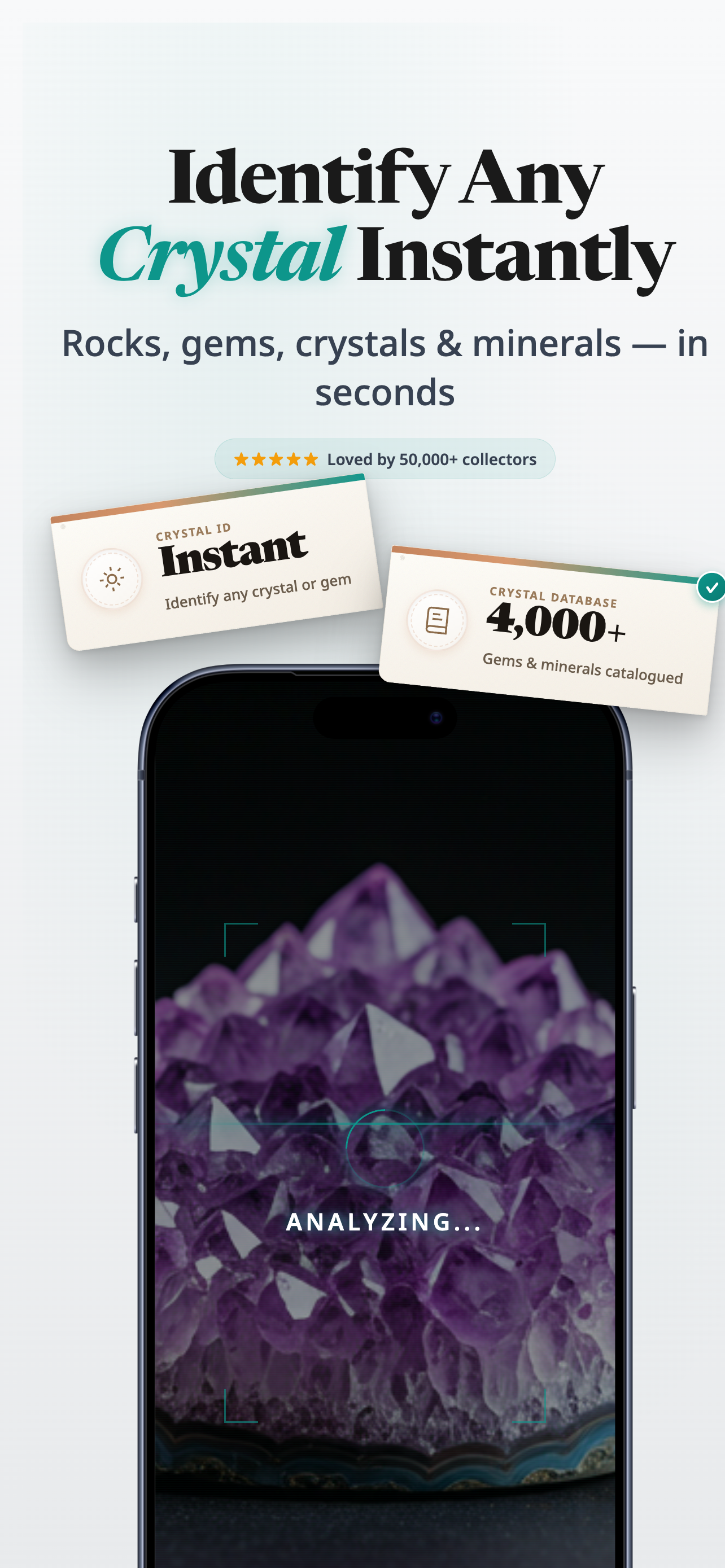
Snap one clear photo instead of guessing from memory.
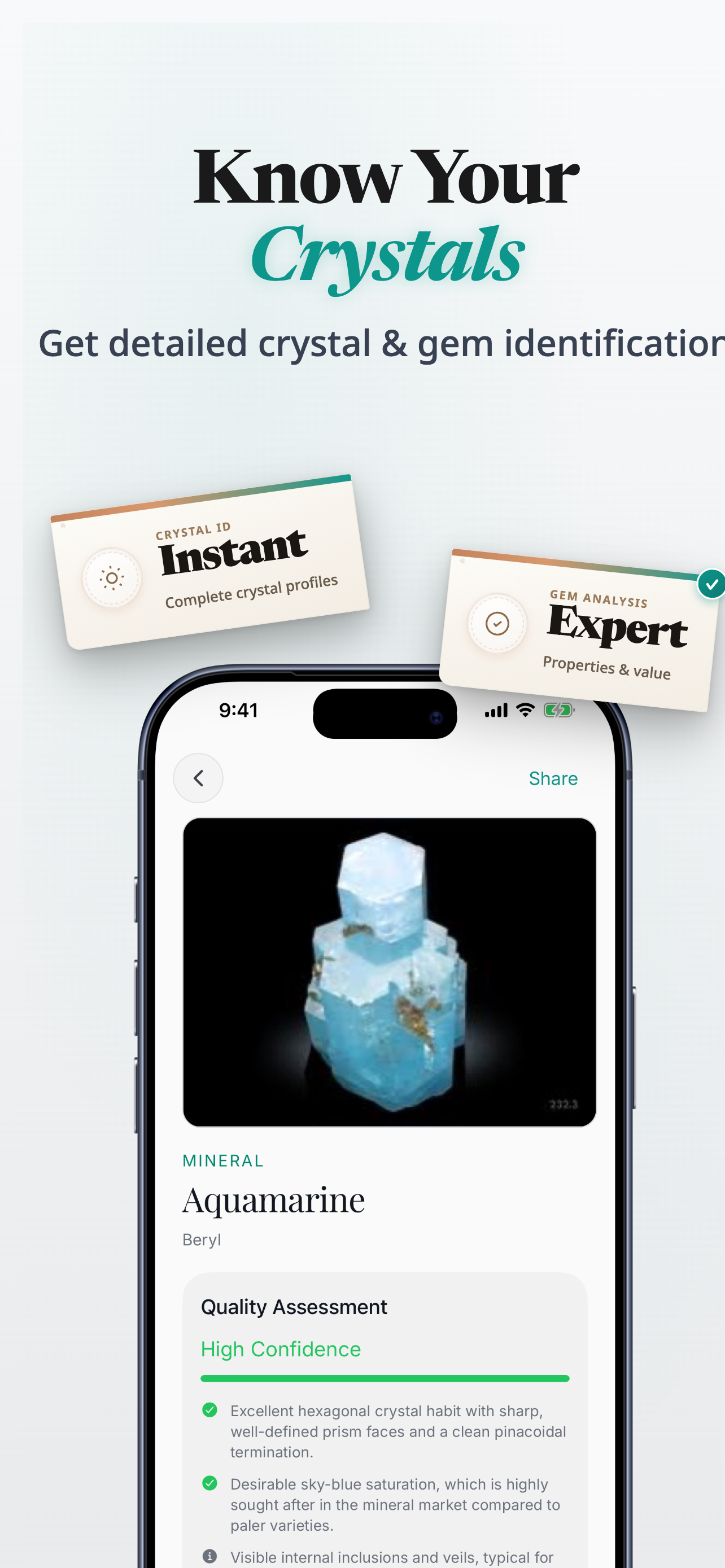
Review likely matches when two stones look close at first glance.
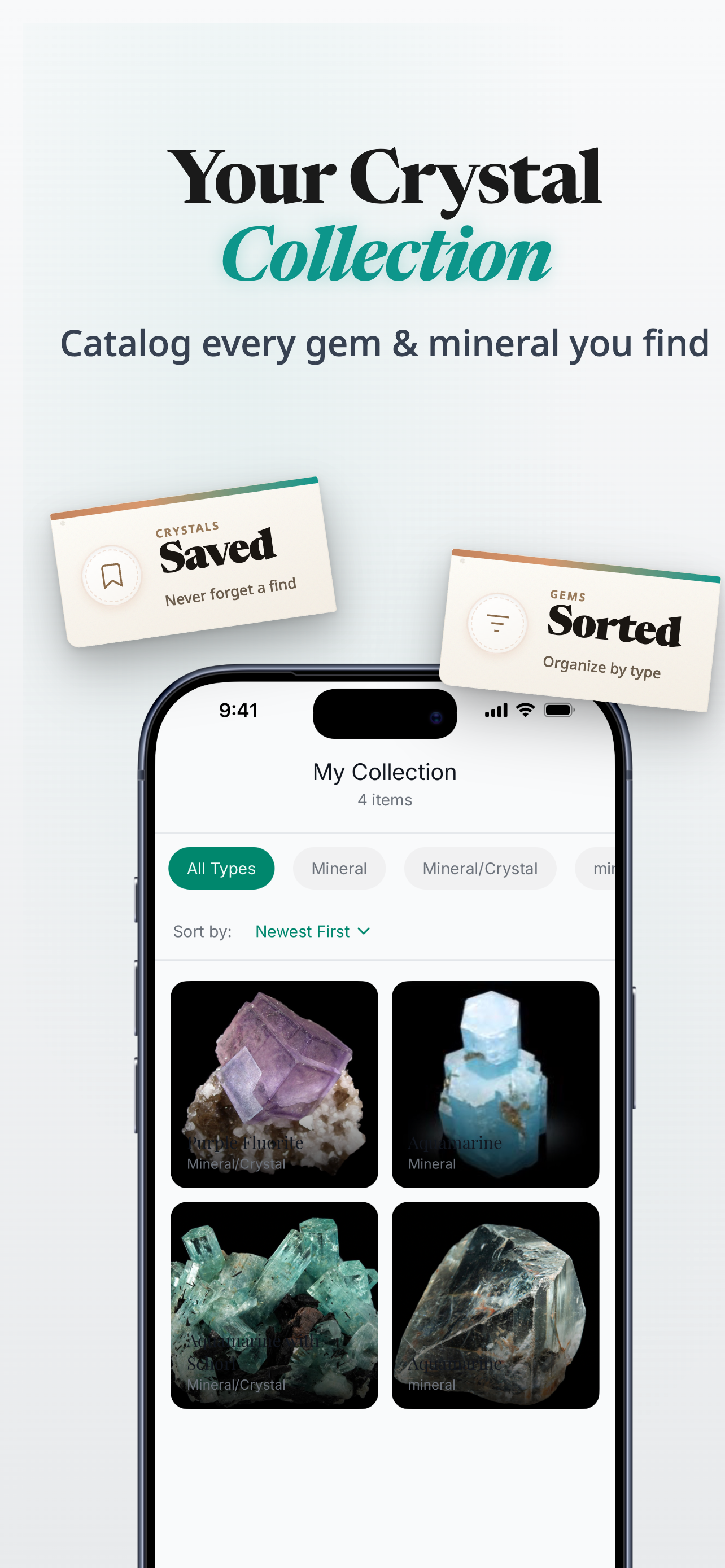
Save stones you want to revisit, compare, or label later.
On iPhone, the App Store listing appears as Rock Identifier: Gem & Crystal.
Next step
On iPhone, the App Store listing appears as Rock Identifier: Gem & Crystal.
Product proof
The app gives you a practical scan flow, result details, and saved finds so your early crystal choices feel less like guesswork.
App Store
iPhone app
Photo-led crystal, stone, gem, and rock identification
Version
1.0.0
Live listing details pulled when available
Updated
Feb 11, 2026
Always check the App Store for the latest release information
Related guides
Once you have a shortlist, compare the stones beginners mix up most often.
FAQ
Amethyst, clear quartz, rose quartz, and a few other widely photographed stones are common starting points because their broad look is easier to learn.
Usually, yes. Start with familiar stones first so you can build a visual baseline before you try to sort through rarer or more heavily marketed pieces.
Yes. It is especially useful when you are checking shop listings, saved screenshots, or unlabelled stones before you commit.
You will see Rock Identifier: Gem & Crystal. Stone ID is the name used on this site.
Ready to try it
Use Stone ID to narrow the choices, then keep going in the iPhone app when you want to check, compare, and save what you find.
Download Rock Identifier: Gem & Crystal on the App Store.