Start with surface and transparency
Ask whether the stone looks clearer and glassier, or softer and cloudier. That single distinction often narrows the field fast.
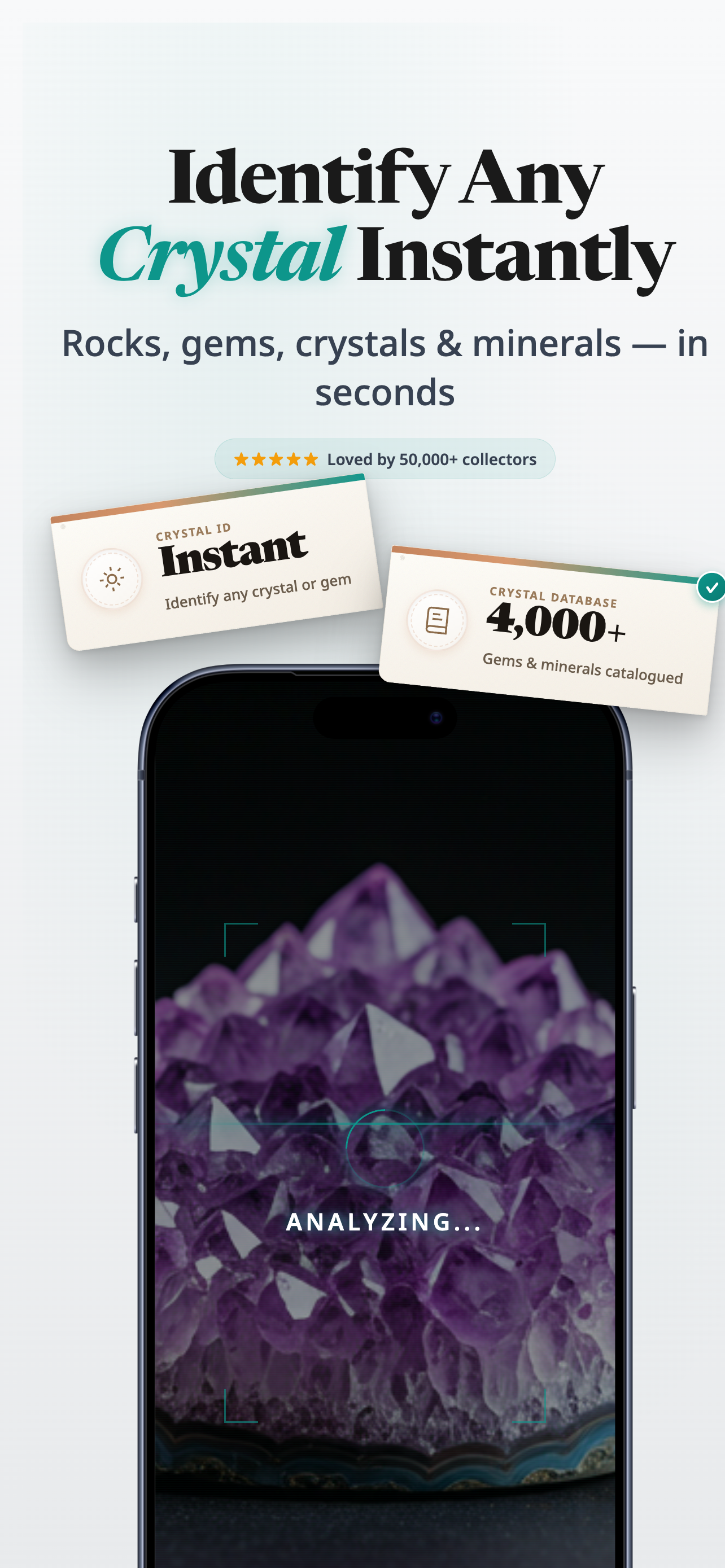
Start with the obvious visual clues, compare the closest lookalikes, and use the iPhone app when you want a faster answer from a photo.
In the App Store, look for Rock Identifier: Gem & Crystal. Stone ID is the name used here.
When this helps
Best for the moment when a stone looks familiar but you still cannot name it.
App Store note
On iPhone, the app listing appears as Rock Identifier: Gem & Crystal.
Quick answer
To identify crystals with more confidence, start with color, transparency, luster, and overall shape. Then compare the closest matches instead of trying to force a perfect answer from one clue alone.
Keep these in mind
Take a clear photo in neutral light.
Check whether the stone looks glassy, milky, chalky, banded, or speckled.
Compare at least two likely lookalikes before you label it.
What to check first
You do not need a geology degree to narrow things down. A few visible clues will usually take you much further than scrolling through dozens of names.
Ask whether the stone looks clearer and glassier, or softer and cloudier. That single distinction often narrows the field fast.
Banding, zoning, speckles, or a very even color can all point you toward one family of stones and away from another.
Shop names and marketplace titles can be useful starting points, but they should not be the only reason you trust an identification.
Why use the app
The app helps you move from broad uncertainty to a tighter set of likely answers, especially when the stone is unlabelled or photographed out of context.
Snap one clear photo instead of guessing from memory.
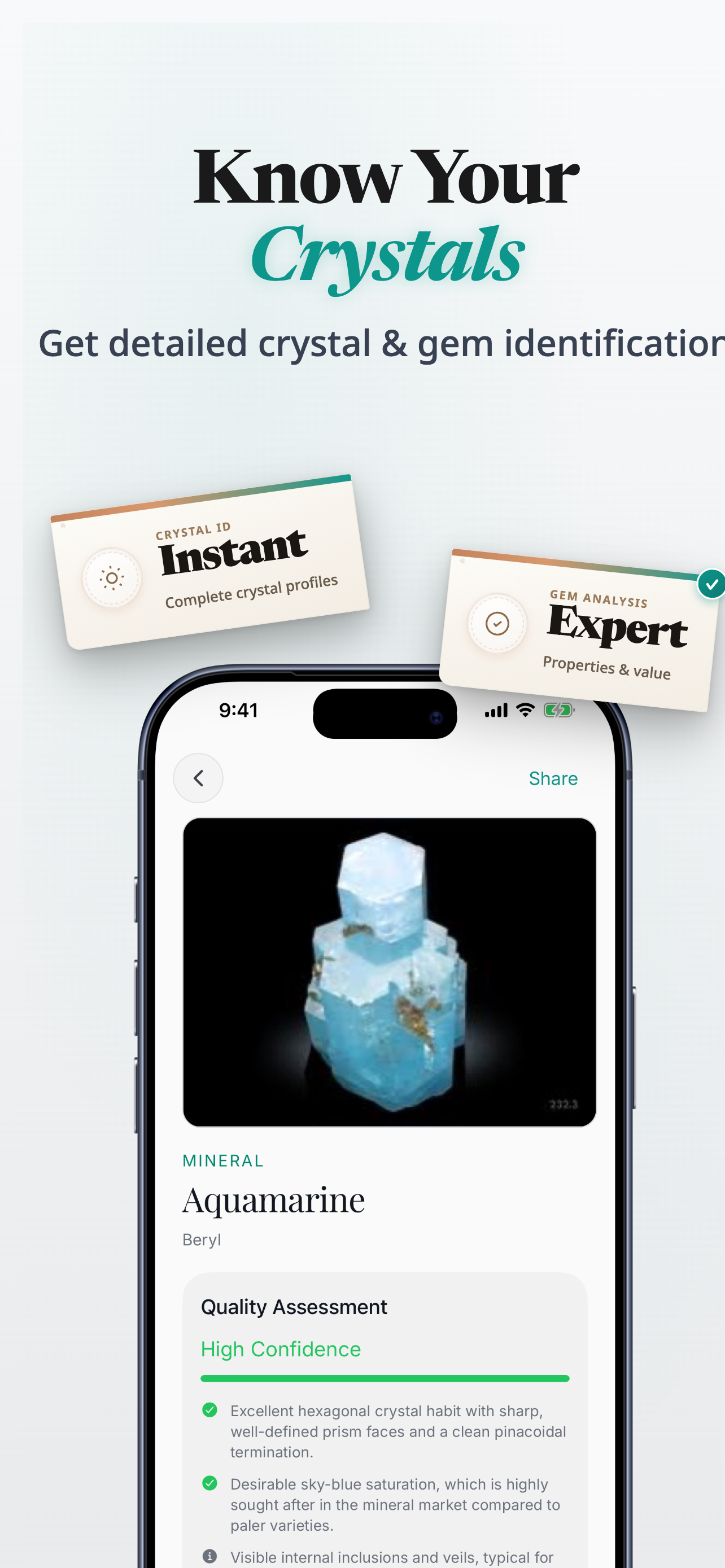
Review likely matches when two stones look close at first glance.
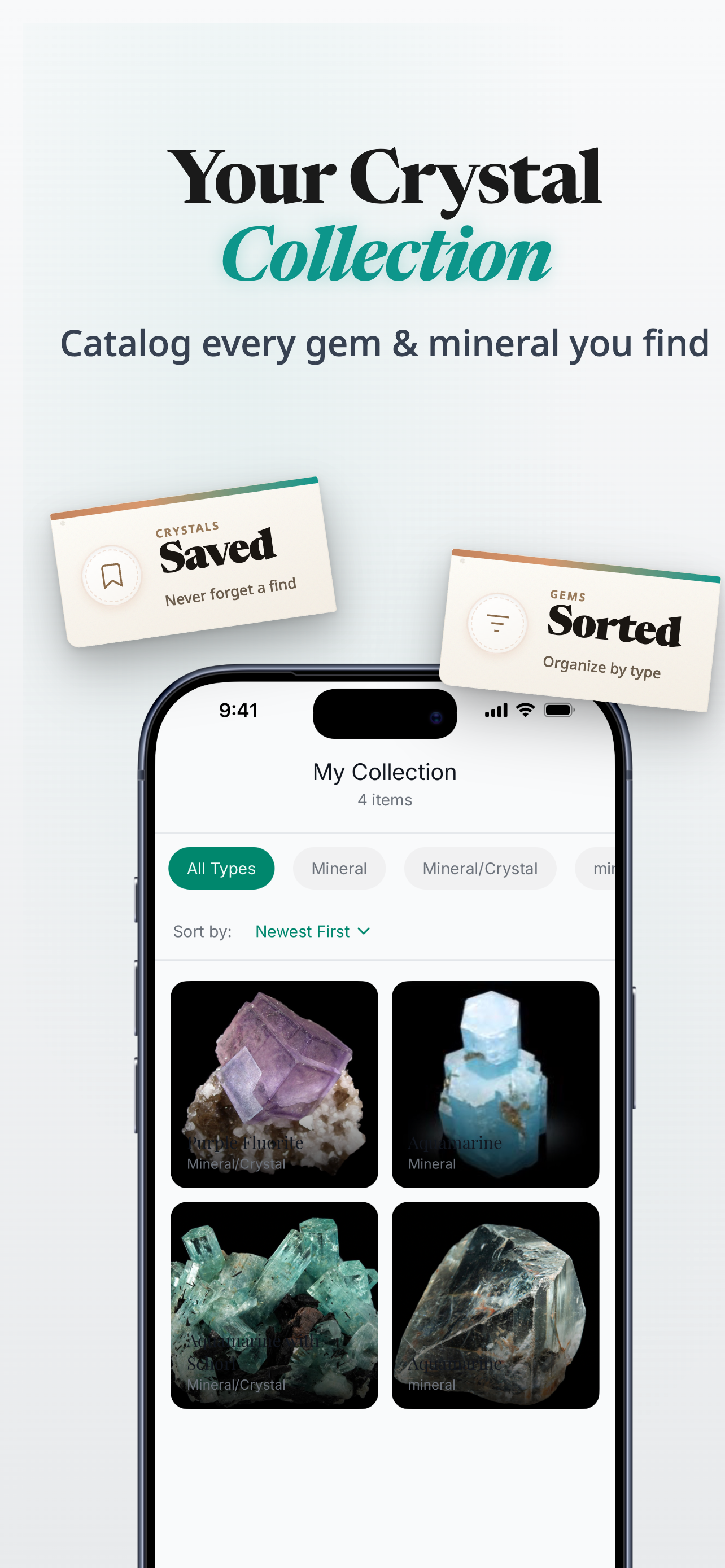
Save stones you want to revisit, compare, or label later.
Download Rock Identifier: Gem & Crystal on iPhone when you want a photo-led answer.
Next step
Download Rock Identifier: Gem & Crystal on iPhone when you want a photo-led answer.
See the workflow
The app flow is built to shorten the gap between I have no idea and this looks like the right family of stones.
App Store
iPhone app
Photo-led crystal, stone, gem, and rock identification
Version
1.0.0
Live listing details pulled when available
Updated
Feb 11, 2026
Always check the App Store for the latest release information
Related guides
Keep going if your stone is pink, uncertain, or easily confused with something else.
FAQ
No. A photo is a strong starting point, but similar stones can still need a closer comparison before you feel confident.
Many stones share color families, and marketplace photos can exaggerate tone, clarity, or texture in ways that make lookalikes blend together.
No. The process still helps with raw-looking, tumbled, or display stones, though very unclear photos make the job harder.
The iPhone app in the App Store is Rock Identifier: Gem & Crystal. Stone ID is the name used on this site.
Ready to try it
Use these cues to narrow the field, then open the iPhone app when you want a faster identification flow.
Download Rock Identifier: Gem & Crystal on iPhone.