Get a better photo before you overthink it
A cleaner image often reveals more than another hour of searching because clarity, texture, and color read more honestly.
When the stone is unfamiliar and the category is still open, use a photo-first process that narrows the possibilities before you chase exact names.
Stone ID is the name here. The iPhone app in the App Store is Rock Identifier: Gem & Crystal.
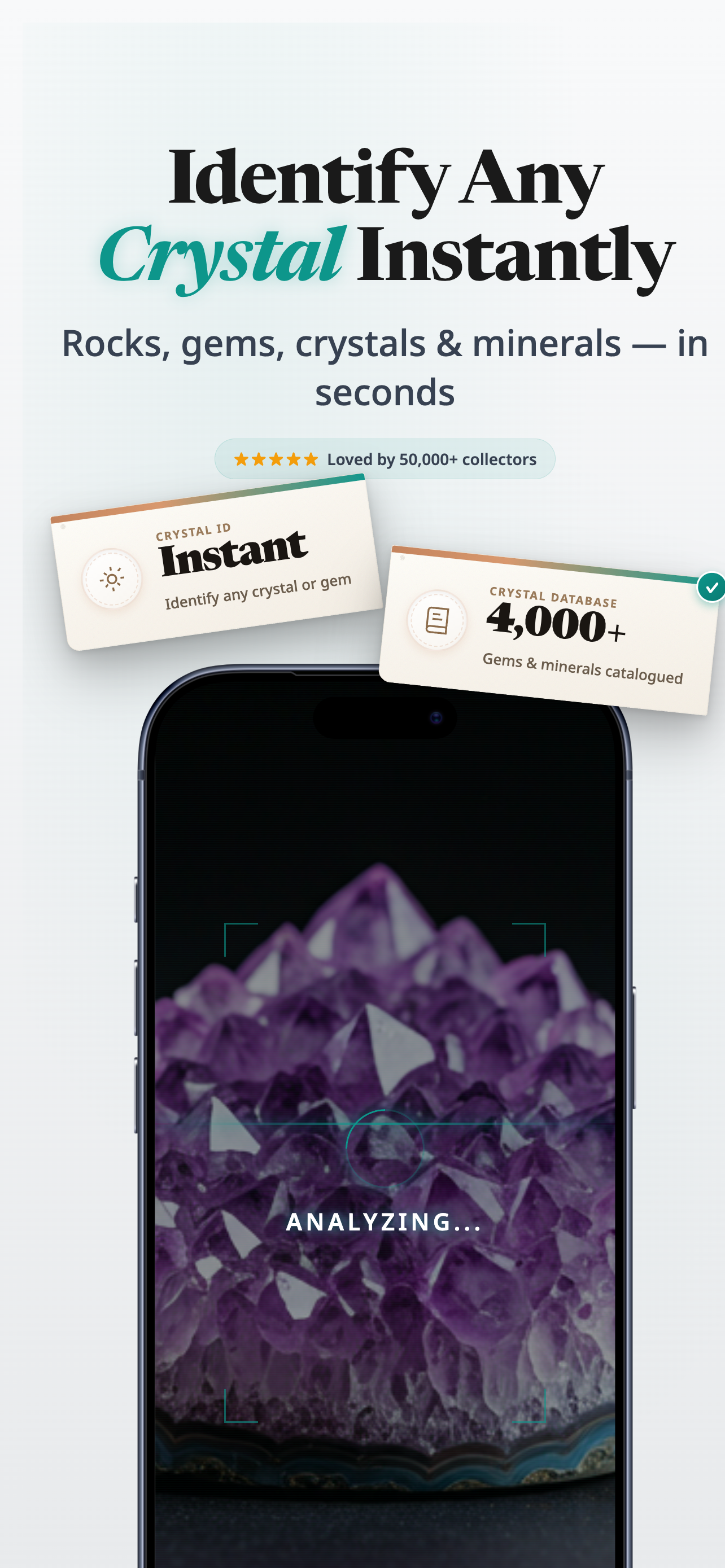
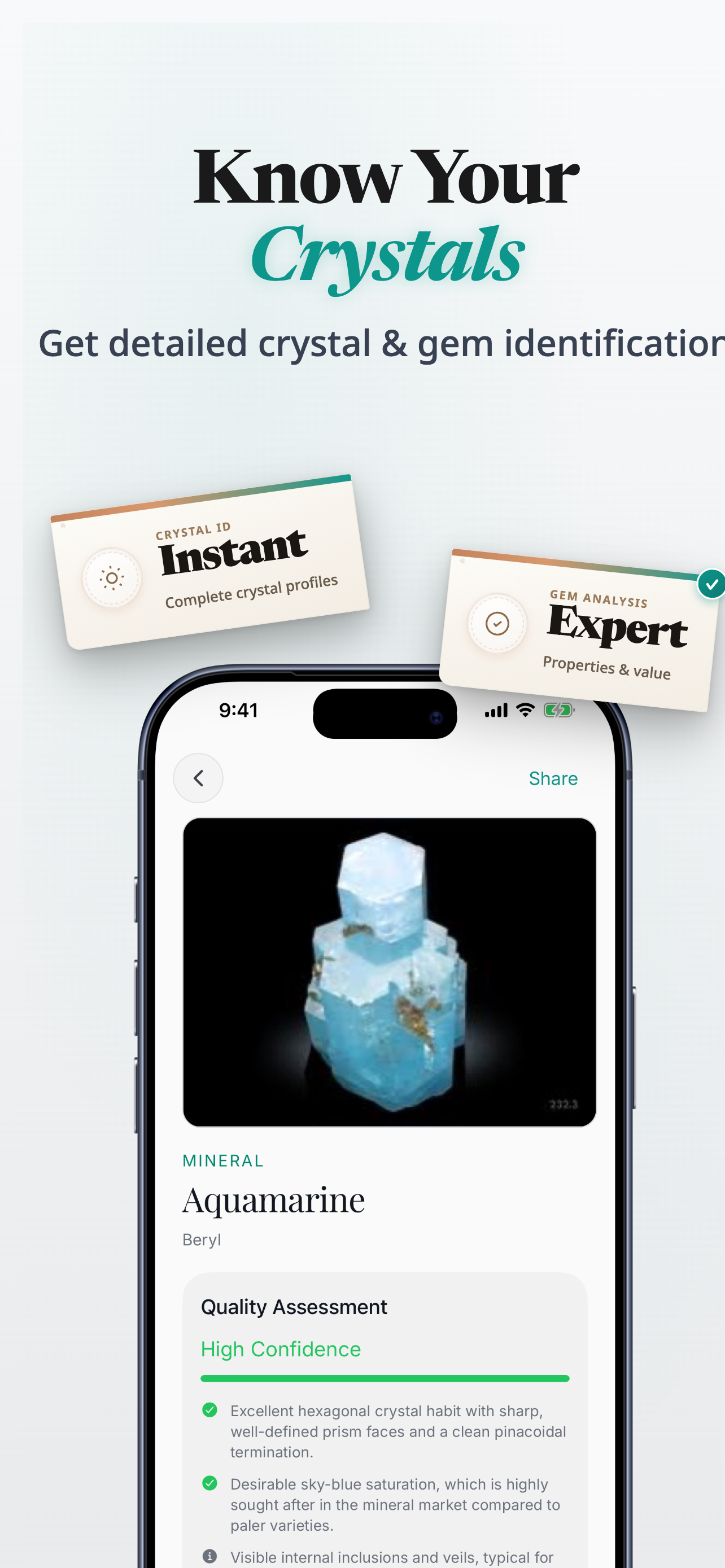
When this helps
Useful when the only starting point is a photo and a vague feeling that the stone looks familiar.
App Store note
On iPhone, the app listing appears as Rock Identifier: Gem & Crystal.
Quick answer
If your first question is just what stone is this, start with a clear photo, note the overall look of the piece, and compare likely families before you worry about exact mineral names.
Keep these in mind
Take the clearest photo you can in natural or neutral light.
Notice the main color, transparency, and whether the stone looks glassy, soft, striped, or speckled.
Start with the wider crystal families, then compare the closest lookalikes when needed.
Start simple
You do not need to solve the whole question in one leap. The fastest path is usually a likely family first, then a more focused comparison.
A cleaner image often reveals more than another hour of searching because clarity, texture, and color read more honestly.
Ask whether it feels more like quartz, calcite, fluorite, agate, or another familiar family before chasing a precise label.
When the stone seems pink, yellow, purple, or suspiciously labelled, switch into the comparison that fits that exact confusion.
Why use the app
When you do not know what family of stone you are even holding, the app gives you a cleaner starting point than guessing from memory.
Snap one clear photo instead of guessing from memory.
Review likely matches when two stones look close at first glance.
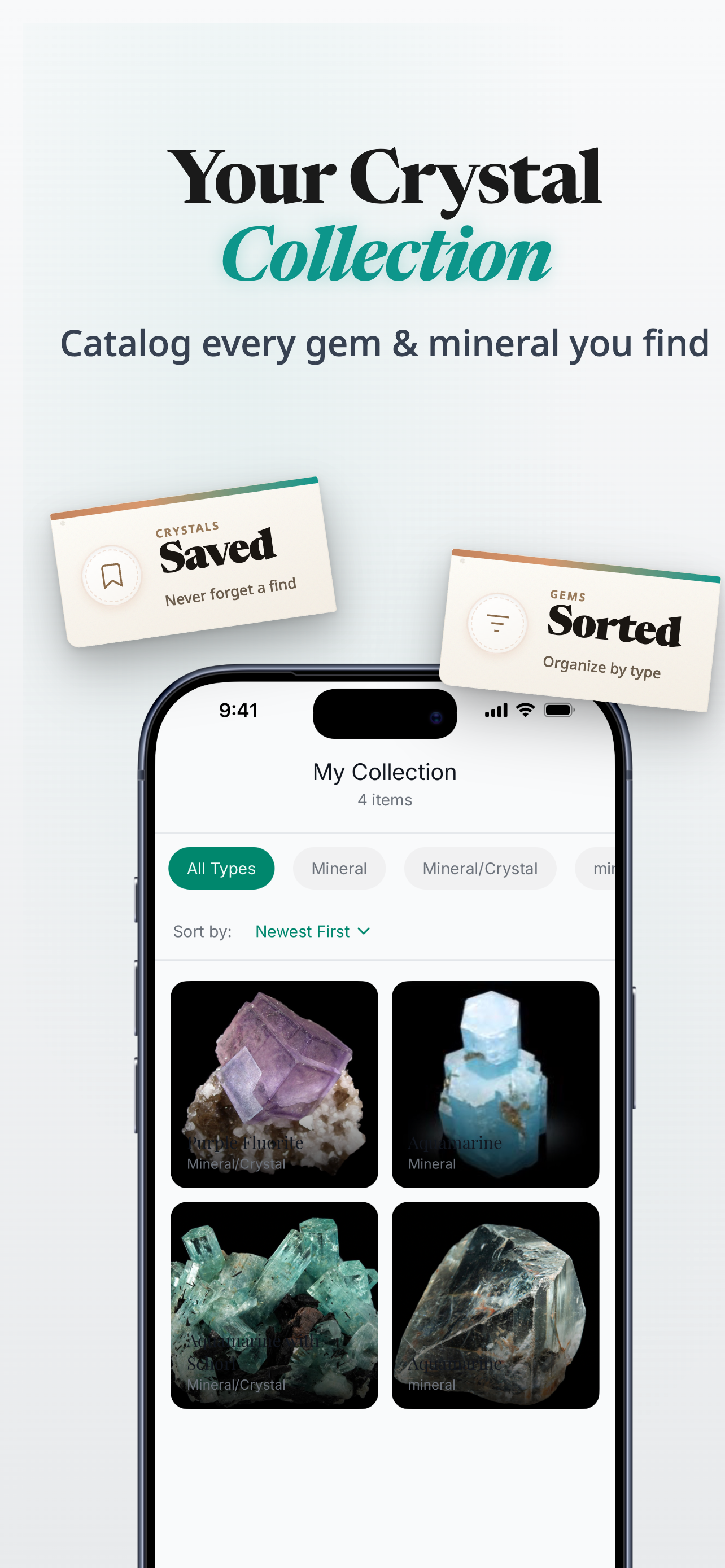
Save stones you want to revisit, compare, or label later.
On iPhone, the App Store listing is Rock Identifier: Gem & Crystal.
Next step
On iPhone, the App Store listing is Rock Identifier: Gem & Crystal.
Product proof
The app shortens the gap between an unknown stone and a likely category, which is often the most helpful first answer.
App Store
iPhone app
Photo-led crystal, stone, gem, and rock identification
Version
1.0.0
Live listing details pulled when available
Updated
Feb 11, 2026
Always check the App Store for the latest release information
Related guides
Once the stone starts to resemble something familiar, switch into the comparison that fits best.
FAQ
That is exactly when a photo-first workflow helps most. Start with the likely family before worrying about the exact label.
Use clear, neutral light and keep the stone in focus so texture, transparency, and color read more accurately.
Start wide, then move into the comparison that matches the strongest clue you are seeing.
Download Rock Identifier: Gem & Crystal on iPhone. Stone ID is the name used on this site.
Ready to try it
Use the guide for the first pass and the iPhone app when you want a cleaner photo-based answer next.
Download Rock Identifier: Gem & Crystal on the App Store.