Too much drama can be a clue
If the color is unusually intense, the finish feels overly uniform, or the photos look heavily edited, slow down before trusting the label.
When a listing looks too bright, too polished, or too certain, slow down and check the signs that usually matter first.
Stone ID is the name here. Rock Identifier: Gem & Crystal is the iPhone app you can download next.
When this helps
Useful for marketplace photos, gift shopping, and stones that look more dramatic than expected.
App Store note
On iPhone, the app listing appears as Rock Identifier: Gem & Crystal.
Quick answer
Real-vs-fake crystal problems usually start with overly dramatic color, suspiciously perfect uniformity, vague seller labels, or stones that look more like dyed material or glass than the natural examples you expected.
Keep these in mind
Be careful with extremely bright, even color.
Watch for vague names that avoid the actual stone name.
Compare the listing to a few likely natural lookalikes before you buy.
What to notice
You do not need lab-grade certainty to avoid obvious mistakes. A few practical checks can rule out a lot of low-confidence purchases.
If the color is unusually intense, the finish feels overly uniform, or the photos look heavily edited, slow down before trusting the label.
Sometimes the issue is not a fake stone at all. It is a more common stone being sold under a better-known or more expensive name.
Start by asking what family of stone this resembles, then move into more specific comparisons like citrine, calcite, quartz, or fluorite.
Why use the app
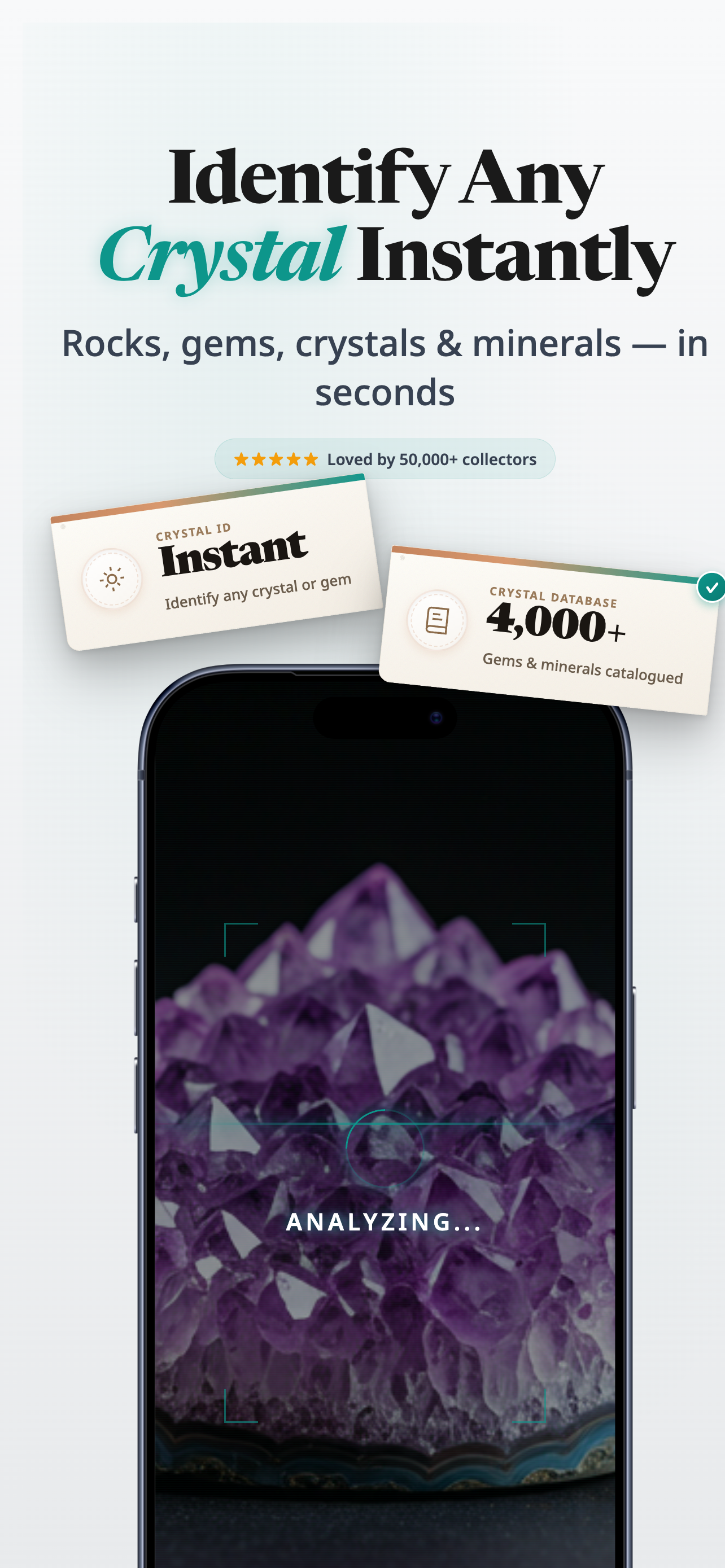
The app is useful when you want a quicker sense of what you may be looking at before you trust a listing name or gift tag.
Snap one clear photo instead of guessing from memory.
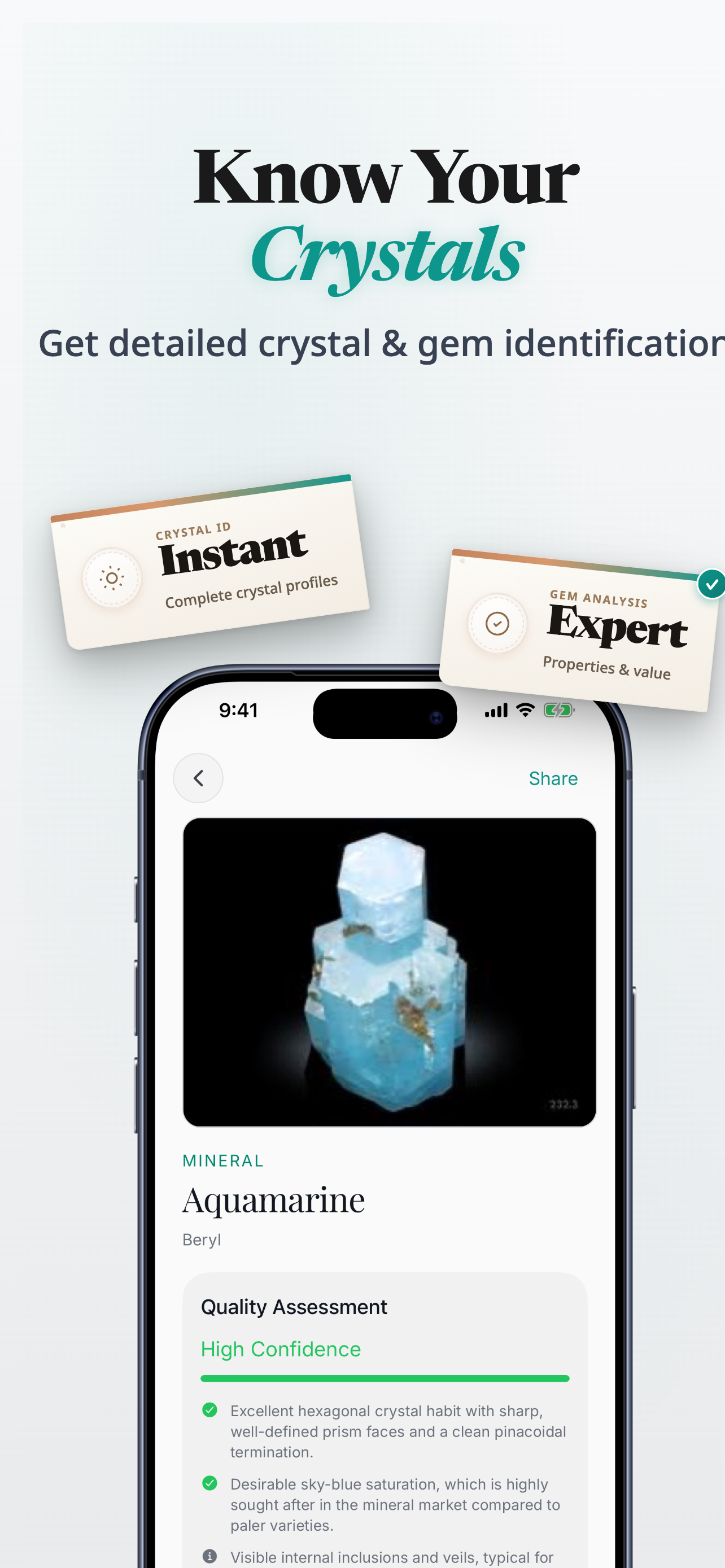
Review likely matches when two stones look close at first glance.
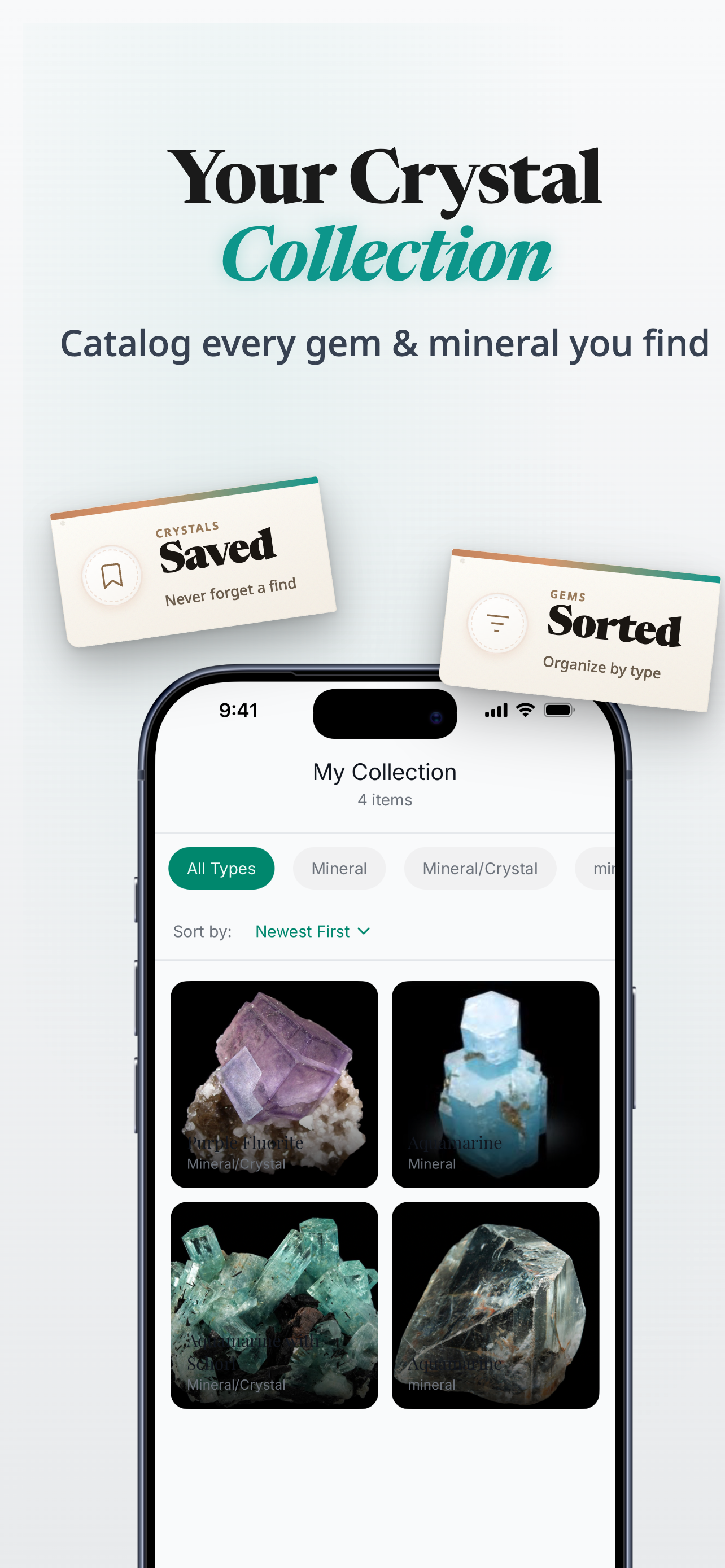
Save stones you want to revisit, compare, or label later.
On iPhone, download Rock Identifier: Gem & Crystal from the App Store.
Next step
On iPhone, download Rock Identifier: Gem & Crystal from the App Store.
Product proof
Use the photo-led result view as a practical second opinion when a listing or label feels off.
App Store
iPhone app
Photo-led crystal, stone, gem, and rock identification
Version
1.0.0
Live listing details pulled when available
Updated
Feb 11, 2026
Always check the App Store for the latest release information
Related guides
If one stone keeps coming up, open the more specific comparison instead of staying general.
FAQ
No. Sometimes the issue is mislabeling, dye, treatment, or a more common stone being sold under a more desirable name.
Trusting dramatic color or seller confidence before checking a few likely natural lookalikes.
It can help you narrow the likely family of stones, which is often enough to flag when the label looks suspicious or overconfident.
Download Rock Identifier: Gem & Crystal on iPhone. Stone ID is the name used on this site.
Ready to try it
Use the guide for the high-level checks, then use the app when you want a quicker photo-based second opinion.
Download Rock Identifier: Gem & Crystal on iPhone.