Too orange can be a warning sign
If the color pushes hard into bright orange-brown or looks much more intense than expected, slow down and compare it carefully.
Natural-looking citrine often appears quieter than the bright orange stones beginners see in listings. That gap is where most confusion starts.
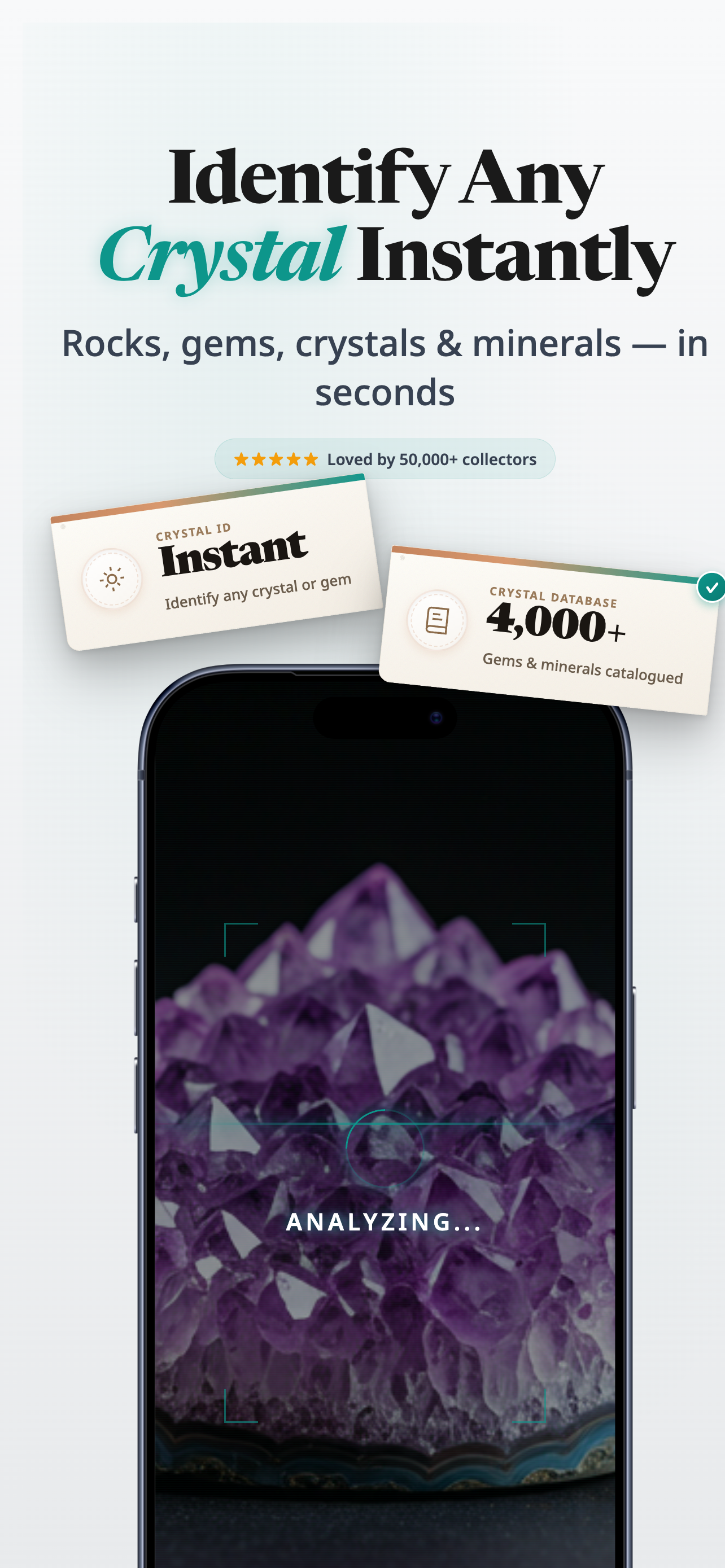
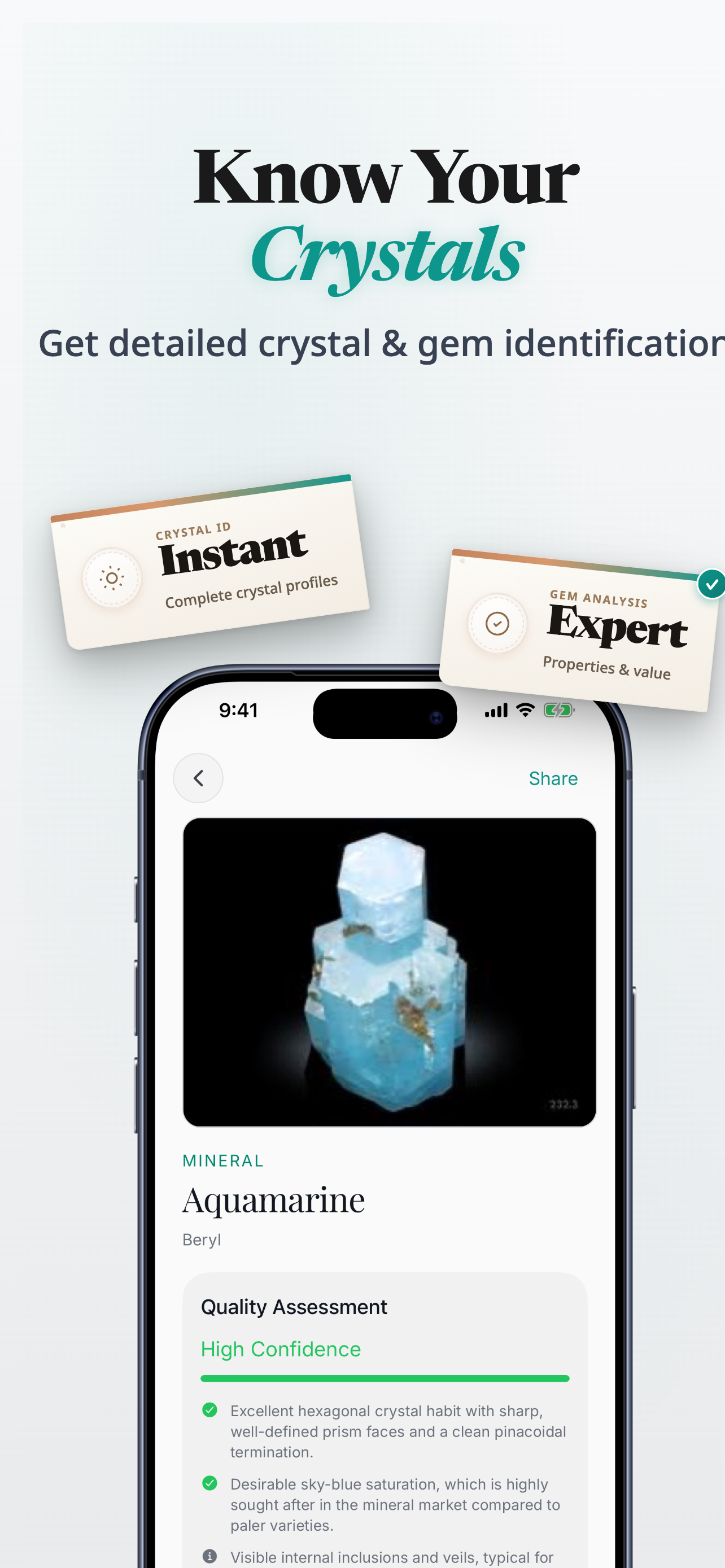
Stone ID is the name used here. The iPhone app in the App Store is Rock Identifier: Gem & Crystal.
When this helps
Useful when a citrine listing looks unusually orange, dramatic, or too certain.
App Store note
On iPhone, the app listing appears as Rock Identifier: Gem & Crystal.
Quick answer
Real-vs-fake citrine concerns usually come down to whether the stone looks more like soft natural yellow quartz or a brighter, more dramatic piece that may be treated, mislabelled, or sold with too much confidence.
Keep these in mind
Be cautious with very saturated orange-yellow pieces.
Look for a more natural quartz-like feel instead of a theatrical glow.
Compare the listing against other likely yellow stones before you trust the name.
What to watch for
Beginners do not need to become treatment experts overnight. They just need a few clues that reduce the odds of an obvious mistake.
If the color pushes hard into bright orange-brown or looks much more intense than expected, slow down and compare it carefully.
Citrine is a quartz variety, so pieces that still read like yellow quartz often feel more plausible than stones that look creamy or overly softened.
Compare a few references, especially when the seller avoids clear naming or leans more on mood than on the stone itself.
Why use the app
The app helps you move from suspicious yellow stone to likely family, which is often enough to make a buying decision much calmer.
Snap one clear photo instead of guessing from memory.
Review likely matches when two stones look close at first glance.
Save stones you want to revisit, compare, or label later.
Download Rock Identifier: Gem & Crystal on iPhone when you want the photo-based check.
Next step
Download Rock Identifier: Gem & Crystal on iPhone when you want the photo-based check.
Product proof
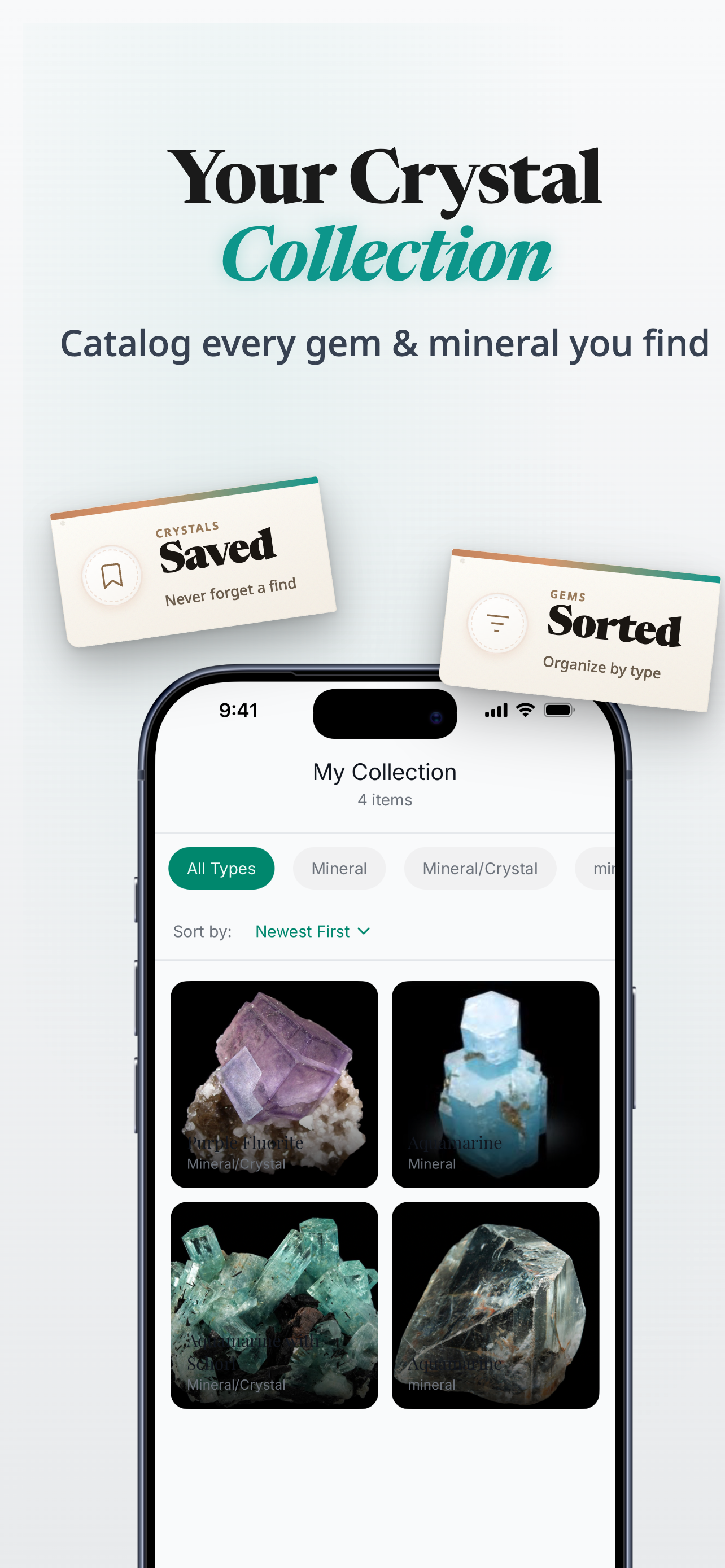
The app flow works well when a stone sits between natural-looking citrine, calcite, or something more treated than the label suggests.
App Store
iPhone app
Photo-led crystal, stone, gem, and rock identification
Version
1.0.0
Live listing details pulled when available
Updated
Feb 11, 2026
Always check the App Store for the latest release information
Related guides
Use the narrower comparison or zoom back out to the broader fake-vs-real guide.
FAQ
Because warm yellow-orange stones are marketed heavily, and dramatic listing photos can make different materials look closer than they are.
Often, yes. Many beginner concerns start when real-world expectations do not match highly saturated marketplace photos.
No. It is better used as a likely-match and comparison tool, not as a replacement for every deeper treatment question.
Search for Rock Identifier: Gem & Crystal. Stone ID is the name used on this site.
Ready to try it
Use the guide for the first pass, then move into the iPhone app when you want a quicker photo-based checkpoint.
Download Rock Identifier: Gem & Crystal on the App Store.